Modeling creates “what-if” scenarios without changing your original schedule file. You can apply changes, roll back updates, or add new activities to see how they would affect the project’s end date, critical path, and key performance metrics. All modeling is done in a sandbox copy of the schedule, so you can experiment freely without impacting the live plan.
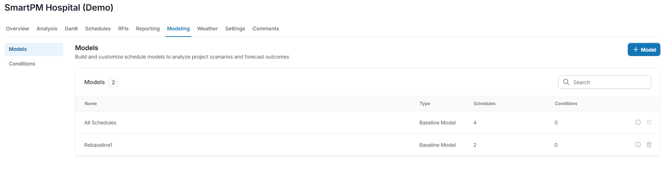
Modeling is used to:
- Test acceleration strategies or alternate work calendars
- Analyze the effect of removing or rejecting schedule changes
- Simulate potential delays or change orders
- Compare baseline vs. updated schedules
- Run Time Impact Analyses (TIAs) for past or future events
See Advanced Modeling for more information on how to navigate the Modeling Tab.