Select a project title from the Project list to open the Project page. Here, you can explore all aspects of the project.
When you first click on a Project, you will be brought to the Trends Tab within the Project. For more information on trends, click here.
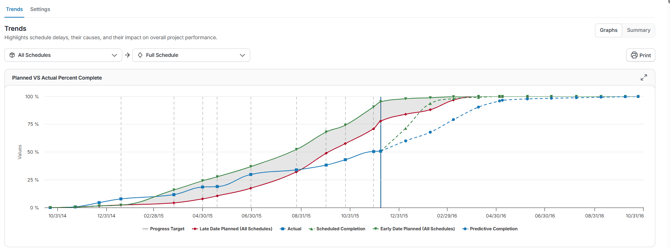
Across the top of the Project Page, you will see two tabs that allow you to navigate to different aspect of your project.
|
Trends |
Track how your project’s key metrics change over time. Highlight patterns and shifts across updates to see if performance is improving, declining, or staying stable. |
| Settings |
The Project Settings tab in SmartPM lets you customize and manage all aspects of a project. From updating basic project info to managing users, calendars, and notifications, this section gives you full control over your project environment. |