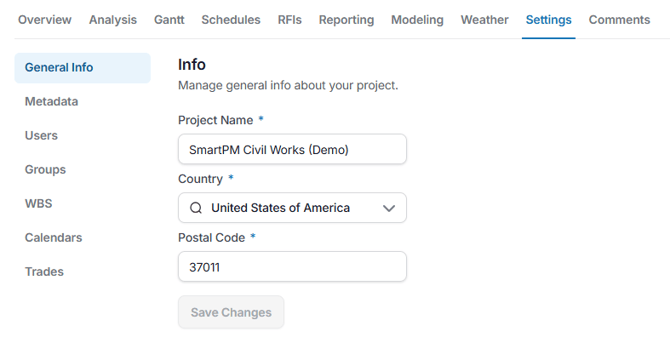
Settings:
Update Project Information such as General Info, Metadata, Users, Groups, WBS, Calendars, and Trades.
Comments:
Leave a comment, ask for clarification, start a discussion about projects by using the Comments tab.
Comments can be added directly to your Project, Delay, Changes, Milestones, and Checklists.
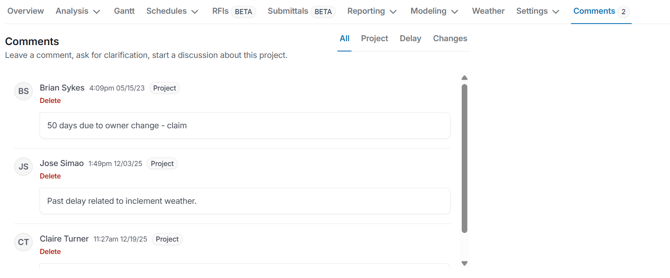
This can be filtered by all comments, project comments, delay comments, or changes comments. Comments can be deleted once created.
