![SmartPM Logo white.png]](https://help.smartpm.com/hs-fs/hubfs/SmartPM%20Logo%20white.png?height=40&name=SmartPM%20Logo%20white.png)
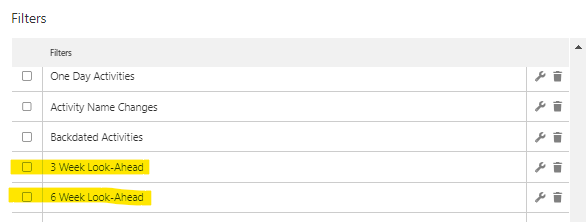
SmartPM features quick 3 & 6 Week look ahead Filter buttons so you can see which Activities are coming up

1. Click the Filters button above the Gantt chart
2. You can either look through the list or search in the search box for the 3 & 6 Week Look-Ahead filter
3. Click the checkbox next to your desired filter
4. Click "Apply" in the bottom corner
